
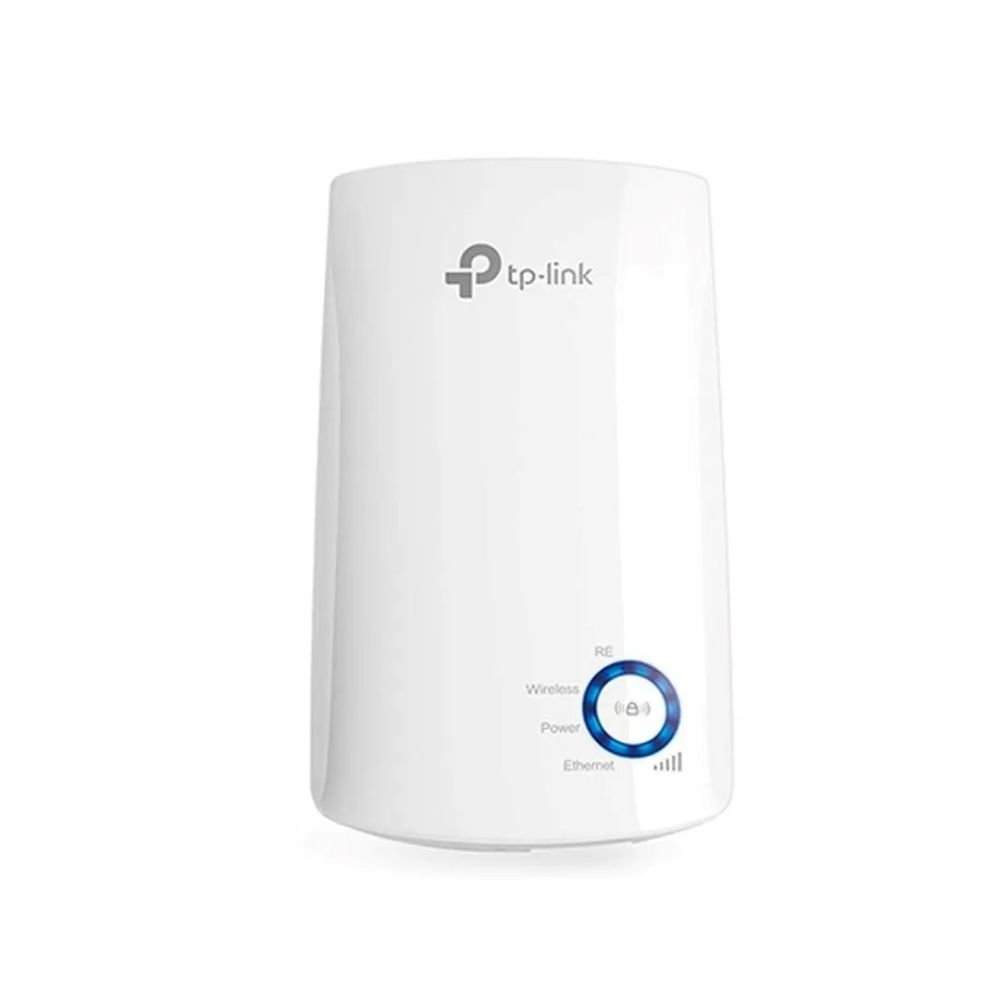
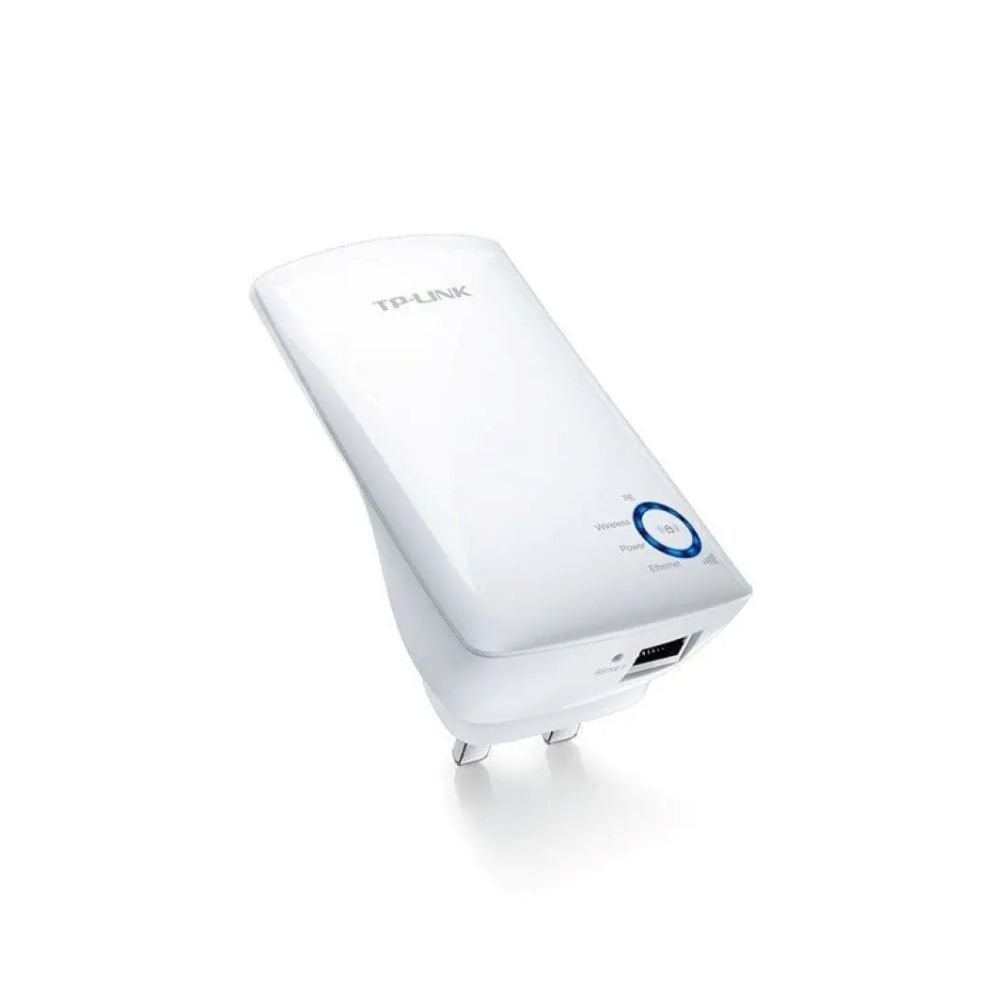
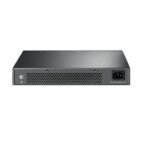
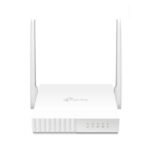

TP-Link TL-WA850RE 300Mbps Wi-Fi Range Extender
- Extends Existing Wi-Fi Coverage at Speeds Up to 300Mbps
- Wall-Mounted Design with Easy Range Extender Setup
- Ethernet Port for Connecting Compatible Wired Devices
- Smart Signal Indicator & TP-Link Tether App Management
TP-Link TL-WA850RE 300Mbps Wi-Fi Range Extender
Product Features
Extend Your Existing Wi-Fi Network: The TP-Link TL-WA850RE is a 300Mbps Wi-Fi range extender designed to strengthen and expand an existing wireless network into areas where the router’s signal is weak or difficult to reach.
Up to 300Mbps Wireless Speed: The extender supports wireless transmission rates of up to 300Mbps, making it suitable for everyday activities such as web browsing, online communication, standard video streaming, and connecting compatible smart devices.
Reduce Wi-Fi Dead Zones: By receiving the wireless signal from an existing compatible router and extending it further, the TL-WA850RE can improve coverage in rooms and areas that previously experienced weak Wi-Fi reception.
Compact Wall-Mounted Design: Its miniature wall-mounted form factor allows the extender to plug directly into a compatible electrical outlet without requiring additional desktop space.
Easy Range Extender Setup: Users can connect the TL-WA850RE to a compatible wireless router by pressing the router’s WPS button followed by the Range Extender button on the TL-WA850RE.
Flexible Placement: Once configured, the extender can be unplugged and moved to another suitable electrical outlet without needing to repeat the complete configuration process under normal conditions.
Smart Signal Indicator: Integrated signal indicator lights display the strength of the wireless signal received from the existing router, helping users identify a suitable location for the extender.
Ethernet Bridge Function: The built-in Ethernet port allows compatible wired network devices to connect to the wireless network through the range extender.
Connect Wired Devices: Compatible desktop computers, smart TVs, gaming consoles, DVRs, Blu-ray players, and other Ethernet-enabled equipment can use the extender’s Ethernet connection to access the wireless network.
TP-Link Tether App: The TL-WA850RE can be accessed and managed from compatible Android and iOS mobile devices through the TP-Link Tether application.
LED Control & Night Mode: LED Control functionality includes a Night Mode that allows users to manage the extender’s indicator lights during selected periods.
Home and Office Coverage: The compact design and straightforward installation make the TL-WA850RE suitable for extending compatible Wi-Fi networks across homes, apartments, offices, and other indoor environments.
Product Specifications
| Brand | TP-Link |
| Model | TL-WA850RE |
| Product Type | Wi-Fi Range Extender |
| Maximum Wireless Speed | Up to 300Mbps |
| Operating Mode | Range Extender Mode |
| Installation | Wall-Mounted / Plug-In |
| Ethernet Port | 1 × Ethernet Port |
| Ethernet Bridge | Supported |
| Quick Setup | Range Extender Button / Compatible WPS Setup |
| Signal Indicator | 5 Signal Indicator Lights |
| Mobile Management | TP-Link Tether App |
| Mobile Platforms | Compatible Android & iOS Devices |
| LED Control | Supported |
| Night Mode | Supported |
| Recommended Use | Extending Existing Indoor Wi-Fi Coverage |
Ideal For
- Extending Home Wi-Fi Coverage
- Reducing Wi-Fi Dead Zones
- Bedrooms & Upper Floors
- Home Offices
- Small Office Networks
- Smart TVs
- Gaming Consoles
- Desktop Computers
- DVR & Compatible Wired Network Devices
Frequently Asked Questions
What does the TP-Link TL-WA850RE do?
The TL-WA850RE receives an existing compatible Wi-Fi signal and extends its coverage into areas where the original router’s wireless signal may be weak.
What is the maximum Wi-Fi speed of the TL-WA850RE?
The extender supports wireless transmission rates of up to 300Mbps under compatible network conditions.
Does the TL-WA850RE create internet on its own?
No. It requires an existing compatible wireless network and internet connection. Its purpose is to extend the coverage of that network.
Can the TP-Link TL-WA850RE help with Wi-Fi dead zones?
Yes. It is specifically designed to extend an existing wireless signal into areas where router coverage is weak or difficult to reach.
How do I connect the TL-WA850RE to my router?
With compatible equipment, setup can be performed by pressing the WPS button on the router and then the Range Extender button on the TL-WA850RE within the required setup period.
Can I move the extender after setting it up?
Yes. Once configured, it can generally be unplugged and moved to another suitable outlet without repeating the complete setup process.
How do I find the best location for the extender?
The integrated signal indicator lights show the strength of the signal received from the router, helping identify an appropriate installation location.
Does the TL-WA850RE have an Ethernet port?
Yes. It includes one Ethernet port for connecting compatible wired network devices to the wireless network.
Can I connect a Smart TV or gaming console?
Yes. Compatible Ethernet-enabled devices such as Smart TVs, gaming consoles, desktop computers, and DVRs can be connected through the Ethernet port.
Can the TL-WA850RE be managed from a smartphone?
Yes. Compatible Android and iOS devices can access supported management features through the TP-Link Tether app.
Does it have LED Night Mode?
Yes. The LED Control function includes Night Mode for managing the indicator lights during selected periods.
Reviews
There are no reviews yet.