
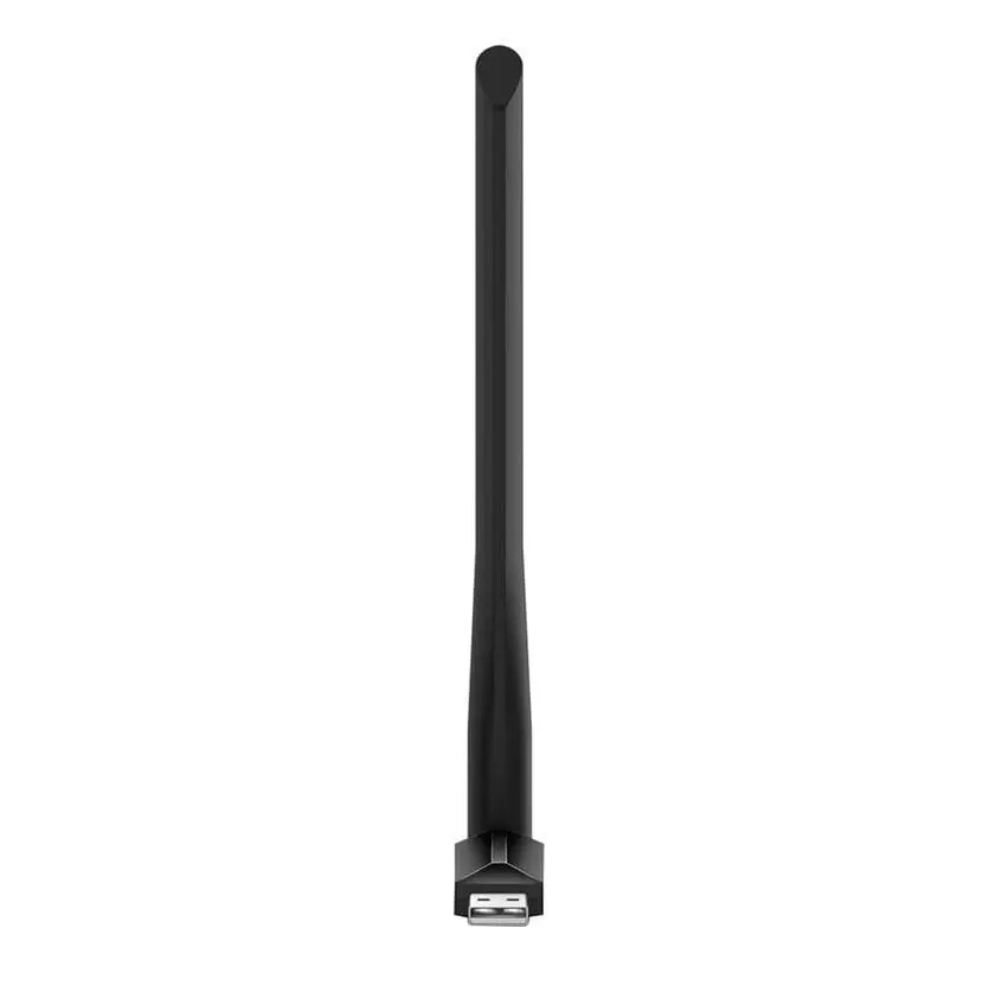
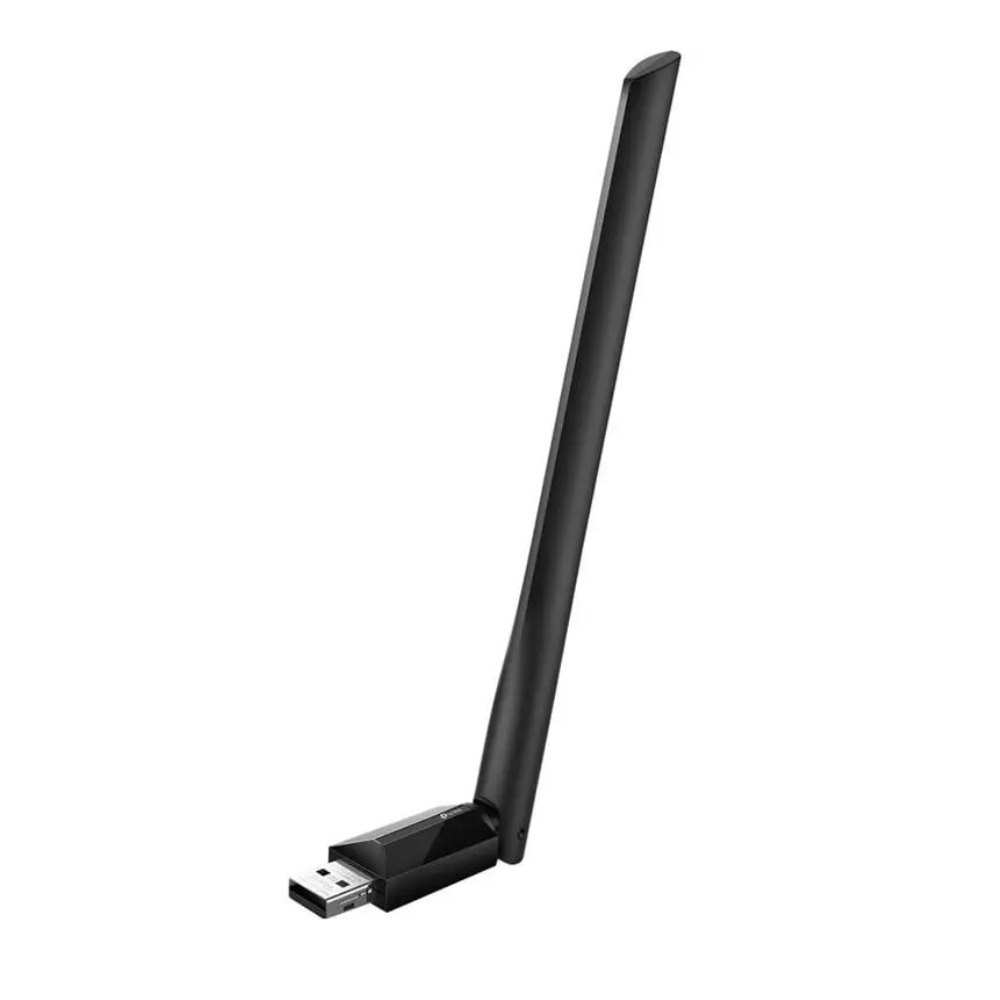

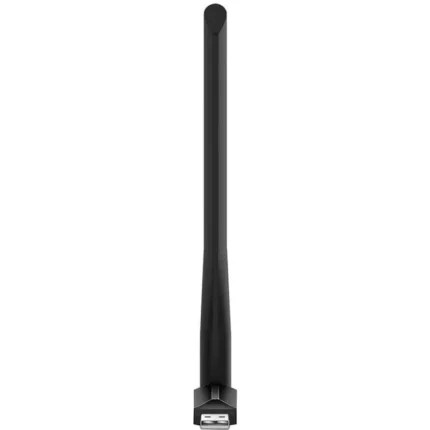
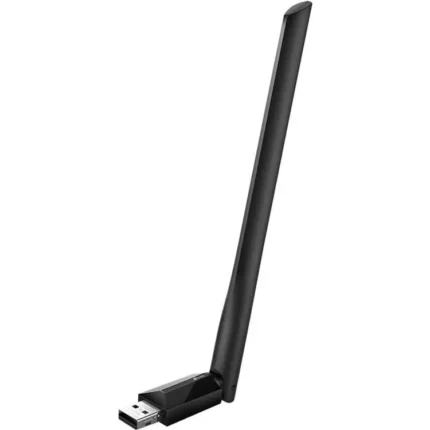
TP-Link Archer T2U AC600 Wireless Dual-Band USB Adapter
- AC600 Dual-Band Wi-Fi with Up to 200Mbps on 2.4GHz & 433Mbps on 5GHz
- 802.11ac Wireless Technology for Fast & Flexible Wi-Fi Connectivity
- Compact USB Design for Compatible Desktop & Laptop Computers
- WEP, WPA/WPA2 & WPA-PSK/WPA2-PSK Wireless Security Support
TP-Link Archer T2U AC600 Wireless Dual-Band USB Adapter
Product Features
AC600 Dual-Band Wi-Fi: The TP-Link Archer T2U is a compact wireless USB adapter designed to add or upgrade Wi-Fi connectivity on compatible desktop and laptop computers. It supports both 2.4GHz and 5GHz wireless bands for flexible network connectivity.
Up to 200Mbps on 2.4GHz: The 2.4GHz wireless band provides speeds of up to 200Mbps, making it suitable for everyday internet activities such as web browsing, email, online communication, and general downloads.
Up to 433Mbps on 5GHz: The 5GHz wireless band delivers speeds of up to 433Mbps, providing additional bandwidth for compatible applications such as HD video streaming and online gaming.
802.11ac Wireless Technology: Support for 802.11ac Wi-Fi technology enables compatible computers to connect to AC wireless networks and take advantage of faster wireless connectivity.
Selectable Dual-Band Connectivity: Support for both 2.4GHz and 5GHz networks allows users to select the appropriate wireless band according to network availability, coverage, and performance requirements.
Compact USB Design: The Archer T2U features a small form factor that provides a convenient way to add wireless connectivity without installing an internal network card.
Desktop & Laptop Compatibility: Its USB-based design makes the adapter suitable for compatible desktop and notebook computers requiring a Wi-Fi connection or an upgrade from an existing wireless adapter.
Wireless Security: The Archer T2U supports 64/128-bit WEP, WPA/WPA2, and WPA-PSK/WPA2-PSK encryption standards for secure connections to compatible wireless networks.
Operating System Support: The adapter supports compatible versions of Windows and Mac OS X, providing flexible installation across supported computer systems.
Product Specifications
| Brand | TP-Link |
| Series | Archer |
| Model | Archer T2U |
| Product Type | Wireless USB Adapter |
| Wi-Fi Class | AC600 |
| Wireless Technology | 802.11ac |
| Wireless Bands | 2.4GHz & 5GHz |
| 2.4GHz Speed | Up to 200Mbps |
| 5GHz Speed | Up to 433Mbps |
| Interface | USB |
| Design | Compact / Mini |
| Wireless Security | 64/128-bit WEP, WPA/WPA2, WPA-PSK/WPA2-PSK |
| Windows Compatibility | Windows 10 / 8.1 / 8 / 7 / XP |
| Mac Compatibility | Mac OS X |
| Recommended Devices | Compatible Desktop & Laptop Computers |
Ideal For
- Desktop PC Wi-Fi Connectivity
- Laptop Wi-Fi Upgrades
- Dual-Band Wireless Networks
- 2.4GHz & 5GHz Wi-Fi Connections
- HD Video Streaming
- Online Gaming
- Web Browsing & Downloads
- Compact USB Wi-Fi Upgrades
Frequently Asked Questions
What is the TP-Link Archer T2U?
The TP-Link Archer T2U is an AC600 dual-band USB Wi-Fi adapter designed to add or upgrade wireless connectivity on compatible desktop and laptop computers.
Is the TP-Link Archer T2U dual-band?
Yes. It supports both 2.4GHz and 5GHz wireless networks.
What Wi-Fi speeds does the Archer T2U support?
The adapter supports wireless speeds of up to 200Mbps on the 2.4GHz band and up to 433Mbps on the 5GHz band.
Does the Archer T2U support 5GHz Wi-Fi?
Yes. It supports 5GHz wireless connectivity with speeds of up to 433Mbps under compatible network conditions.
Can the Archer T2U be used with a desktop computer?
Yes. It can add Wi-Fi connectivity to a compatible desktop computer through a USB connection.
Can the Archer T2U be used with a laptop?
Yes. The compact USB design makes it suitable for compatible laptops that require additional or upgraded wireless connectivity.
What wireless security standards does the Archer T2U support?
It supports 64/128-bit WEP, WPA/WPA2, and WPA-PSK/WPA2-PSK encryption standards.
Reviews
There are no reviews yet.