

How Much RAM Do You Need in a Laptop?

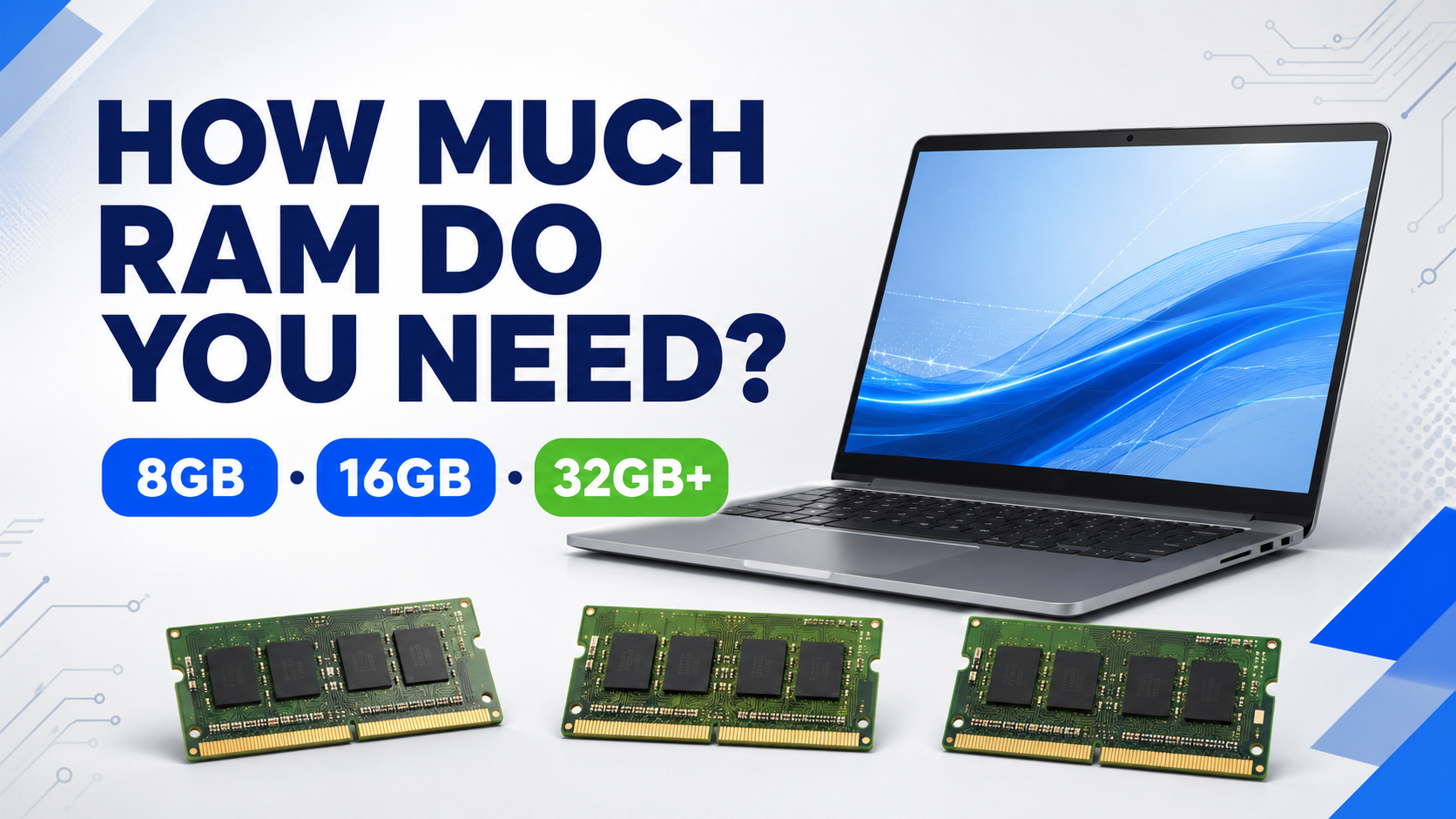
Hina opens a video meeting, a spreadsheet and twenty browser tabs. One document works perfectly, but the busy workday slows down. The problem may not be the internet: memory is close to its limit. So, how much RAM do you need for comfortable daily work?
A practical RAM guide
| RAM | Suitable for | What to expect |
| 8GB | Documents, browsing, online classes and light office work | Practical basic level; heavy multitasking can feel tight |
| 16GB | Modern office work, programming, larger spreadsheets, design and HD video | The useful sweet spot for many students and professionals |
| 32GB+ | 4K video, large design files, virtual machines and engineering workloads | Best when applications can use the extra memory |
Capacity matters more than the label
A 16GB DDR4 laptop can be more useful than an 8GB DDR5 laptop that regularly runs out of memory. RAM must also be read with the processor, SSD and graphics. More memory does not automatically fix a weak processor, slow drive, overheating or unsupported software.
Check whether RAM is really the bottleneck
Open Task Manager during your normal busy workload and review memory use. If usage stays close to the limit and the laptop begins relying heavily on storage, more RAM may help. If memory use is moderate, investigate processor load, drive health, heat, startup applications or network problems before buying an upgrade.
- Slow switching between several open applications can point to limited memory.
- Browser tabs reloading repeatedly may show that the system is short of working space.
- Virtual machines and large creative files can raise memory needs quickly.
Examples for common workloads
For light work, the 8GB HP ProBook 650 G8 is a practical starting point. For 16GB multitasking, compare the HP EliteBook 840 G8, Dell Latitude 5450 and Dell Latitude 7450. For heavier professional projects, review the Dell Precision 5560 and confirm whether its listed memory can be expanded for future needs.
Before upgrading RAM
- Check whether the memory is soldered or removable.
- Confirm how many slots are available and whether one is free.
- Check the maximum supported capacity and required memory type.
- Use compatible modules and confirm whether opening the laptop affects warranty.
- Back up important data before arranging hardware work.
Frequently asked questions
Is 8GB RAM enough for Windows 11?
It meets common light-use needs, but 16GB is more comfortable when several applications and browser tabs stay open.
Is 16GB enough for programming?
Yes for many development workloads. Virtual machines, emulators and large local services may benefit from 32GB.
How much RAM is needed for video editing?
16GB can handle many HD projects; 32GB or more is better for heavier 4K timelines and effects.
Does more RAM always make a laptop faster?
Only when memory is the bottleneck. It will not solve every processor, storage, graphics or heat problem.
Can laptop RAM be upgraded?
Some laptops allow upgrades, while others use soldered memory. Check the exact model before buying.
Conclusion
Choose 8GB for light use, 16GB for comfortable multitasking and 32GB or more for memory-heavy professional work. Compare laptop configurations around your busiest normal day.