
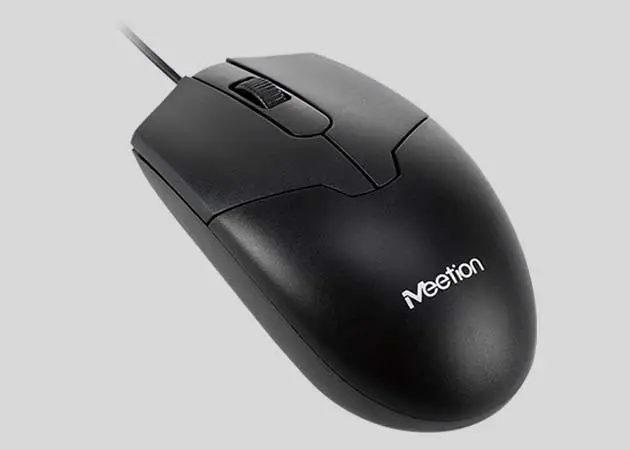
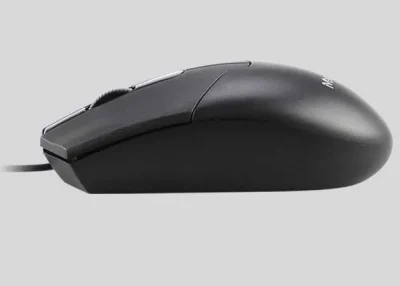
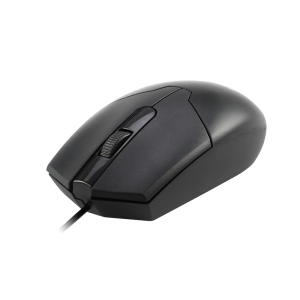
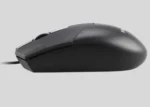
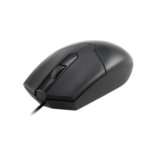
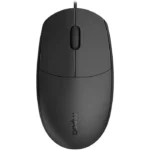

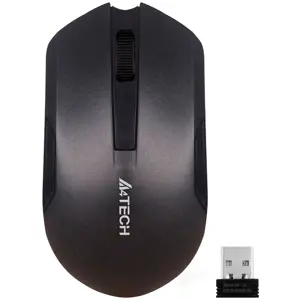
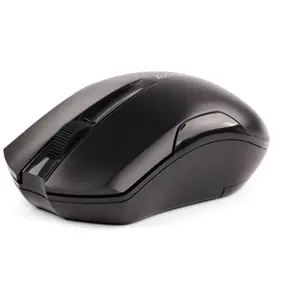
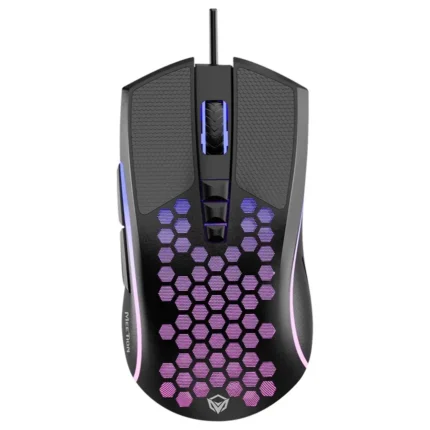
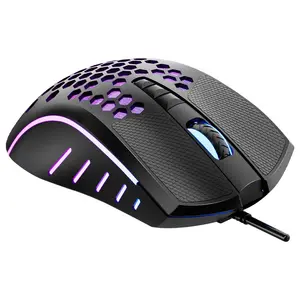
Meetion M360 USB Optical Mouse Black
₨ 525
- High-Precision 1000 DPI Optical Sensor
- Comfortable Ergonomic Design for Daily Use
- Reliable USB Plug-and-Play Connectivity
- Compatible with Windows, macOS & Linux
Meetion M360 USB Optical Mouse Black
Product Features
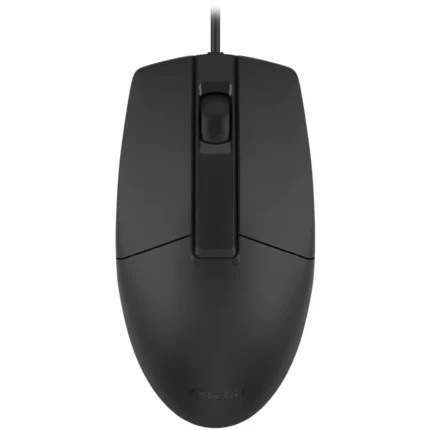
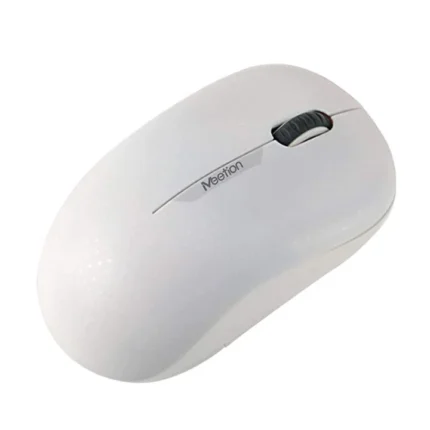
The Meetion M360 USB Optical Mouse Black is designed for users who need dependable performance, precise cursor control, and comfortable operation for everyday computing. Its ergonomic design makes it suitable for professionals, students, office users, and home users.
Equipped with a high-precision 1000 DPI optical sensor, the M360 delivers smooth and accurate tracking for web browsing, document editing, spreadsheets, presentations, and general office work.
The USB wired connection provides stable and uninterrupted performance without requiring batteries or charging, making it an excellent choice for daily productivity.
Its ergonomic symmetrical design fits comfortably in either hand, helping reduce fatigue during long working hours while providing better grip and control.
The plug-and-play functionality allows instant installation without additional drivers or software. Simply connect the mouse to any available USB port and start working immediately.
Built with durable buttons and quality components, the Meetion M360 is designed to provide reliable long-term performance for office, educational, and personal use.
Compatible with Windows, macOS, Linux, and other USB-enabled devices, the Meetion M360 offers an affordable and dependable solution for everyday computing tasks.
Technical Specifications
| Brand | Meetion |
| Model | M360 |
| Color | Black |
| Connection Type | USB Wired |
| Sensor Type | Optical |
| DPI | 1000 DPI |
| Design | Ergonomic Symmetrical Design |
| Interface | USB |
| Installation | Plug & Play |
| Compatibility | Windows, macOS, Linux |
Frequently Asked Questions (FAQs)
Is the Meetion M360 a wired mouse?
Yes, it features a USB wired connection for stable and reliable performance.
What is the DPI of the Meetion M360?
The mouse comes with a 1000 DPI optical sensor for smooth and accurate cursor movement.
Does the Meetion M360 require software installation?
No. It supports plug-and-play functionality and works immediately after connecting to a USB port.
Is the Meetion M360 suitable for office work?
Yes, it is ideal for office applications, document editing, web browsing, online meetings, and everyday computing.
Can both left-handed and right-handed users use this mouse?
Yes, its symmetrical ergonomic design makes it comfortable for both left- and right-handed users.
Which operating systems are supported?
The Meetion M360 supports Windows, macOS, Linux, and most USB-enabled computers.
Reviews
There are no reviews yet.