
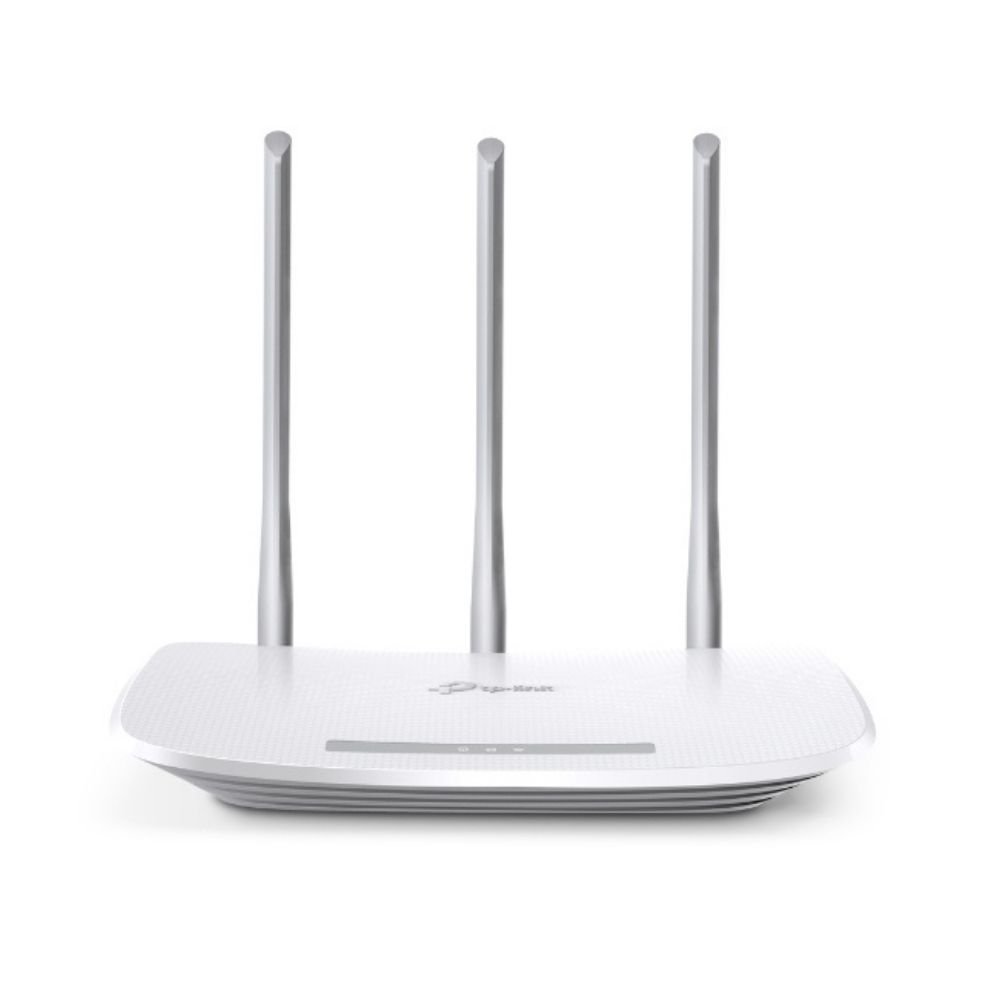


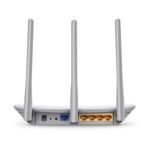



TP-Link TL-WR845N 300Mbps Wireless N Wi-Fi Router
- Up to 300Mbps Wireless N Wi-Fi Speed
- 3 × 5dBi High-Gain Antennas for Wider Wireless Coverage
- Router, Access Point, Range Extender & WISP Modes
- Guest Network, Parental Control & TP-Link Tether App Support
TP-Link TL-WR845N 300Mbps Wireless N Wi-Fi Router
Product Features
300Mbps Wireless N Performance: The TP-Link TL-WR845N is a Wireless N router designed to provide stable Wi-Fi connectivity for everyday home and small-office networking. It supports wireless transmission rates of up to 300Mbps for compatible devices.
Suitable for Everyday Online Activities: Wireless speeds of up to 300Mbps make the router suitable for web browsing, file downloads, video calls, online streaming, and other common internet applications under compatible network conditions.
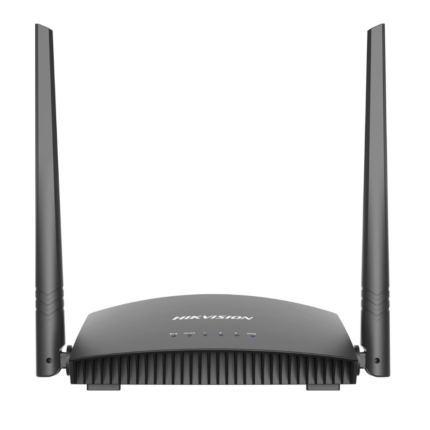
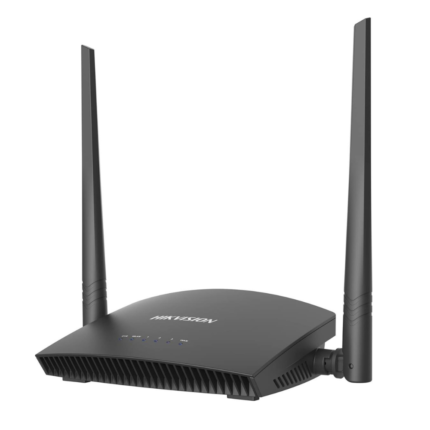
Three 5dBi High-Gain Antennas: The TL-WR845N features three 5dBi high-gain external antennas designed to improve wireless signal coverage and connection stability across small to medium-sized indoor environments.
Wireless Router Mode: In standard router operation, the TL-WR845N can distribute an existing compatible internet connection to wired and wireless network devices.
Access Point Mode: Access Point Mode allows the router to transform an existing wired network connection into a wireless network for compatible Wi-Fi devices.
Range Extender Mode: The TL-WR845N can operate as a range extender to help expand the coverage of an existing compatible wireless network into areas with weaker reception.
WISP Mode: WISP Mode allows the router to connect wirelessly to a compatible ISP network and redistribute the connection to local network devices.
WPS Wireless Setup: Wi-Fi Protected Setup provides a convenient method for establishing a secure wireless connection with compatible devices.
IP-Based Bandwidth Control: Bandwidth control functionality allows network administrators to manage how available bandwidth is allocated among connected devices.
Guest Network: A dedicated Guest Network can provide visitors with wireless internet access while helping keep the primary local network separate.
Parental Control: Parental control features allow parents or administrators to restrict internet access for selected users. URL filtering can be used to create supported blacklists or whitelists for web access management.
IPv6 Compatibility: The TL-WR845N supports IPv6, providing compatibility with the newer generation of Internet Protocol addressing.
TP-Link Tether App: Compatible mobile devices can use the TP-Link Tether app for convenient router setup and management from a smartphone.
Web-Based Management: An intuitive web interface provides another method for configuring and managing supported router settings.
Product Specifications
| Brand | TP-Link |
| Model | TL-WR845N |
| Product Type | Wireless N Wi-Fi Router |
| Maximum Wireless Speed | Up to 300Mbps |
| Wireless Technology | Wireless N |
| Antennas | 3 × 5dBi High-Gain Antennas |
| Router Mode | Supported |
| Access Point Mode | Supported |
| Range Extender Mode | Supported |
| WISP Mode | Supported |
| WPS | Supported |
| Bandwidth Control | IP-Based Bandwidth Control |
| Guest Network | Supported |
| Parental Control | Supported |
| URL Filtering | Supported |
| IPv6 | Supported |
| Mobile Management | TP-Link Tether App |
| Web Management | Supported |
| Recommended Use | Home & Small Office Networks |
Ideal For
- Home Wi-Fi Networks
- Small Office Networks
- Web Browsing
- Video Calls
- Online Streaming
- File Downloads
- Guest Wi-Fi Networks
- Access Point Deployment
- Wi-Fi Range Extension
- WISP Network Connections
Frequently Asked Questions
What is the maximum Wi-Fi speed of the TP-Link TL-WR845N?
The TL-WR845N supports wireless transmission rates of up to 300Mbps under compatible network conditions.
How many antennas does the TL-WR845N have?
It features three 5dBi high-gain antennas designed to provide improved wireless coverage and connection stability.
Can the TL-WR845N work as an Access Point?
Yes. Access Point Mode allows it to convert an existing compatible wired network into a wireless network.
Can the TL-WR845N be used as a Wi-Fi range extender?
Yes. Range Extender Mode is supported for extending the coverage of an existing compatible wireless network.
Does the TL-WR845N support WISP Mode?
Yes. WISP Mode allows it to receive a compatible ISP connection wirelessly and distribute network access to local devices.
Does the TP-Link TL-WR845N support WPS?
Yes. WPS is supported for easier wireless connection with compatible devices.
Does the TL-WR845N have parental controls?
Yes. Parental control features are available for managing internet access, including supported URL access restrictions.
Can I create a separate Wi-Fi network for guests?
Yes. Guest Network functionality provides separate wireless access for visitors.
Does the TL-WR845N support IPv6?
Yes. The router is compatible with IPv6.
Can I manage the TL-WR845N from my smartphone?
Yes. Supported settings can be accessed and managed through the TP-Link Tether app on compatible mobile devices.
Reviews
There are no reviews yet.